Trending now
Someone vibe-coded Adobe’s apps, and gave them away
ArtCraft rebuilt Photoshop, Premiere Pro, Lightroom and ten more with an AI coding agent, then open sourced all of them. What they are, how far along they are, and how to try them.
- 13 apps
- Free and open source
- Early alpha
What happened
At the end of September, Brandon Thomas, who runs the AI image and video studio ArtCraft, put open source rewrites of Photoshop, Illustrator, Premiere Pro, Lightroom, After Effects, InDesign and Acrobat on GitHub. He says Claude did much of the coding, and that the push came from Adobe’s fee for cancelling a yearly plan early. Within weeks Word, Excel, PowerPoint, Figma, AutoCAD and Pro Tools followed, and the PhotoCraft repo alone passed 70,000 stars.
- They look like the apps you know. Menus, panels, tools and shortcuts follow the originals, so there is little to relearn.
- They open real files. PhotoCraft opens and saves layered PSD and PSB documents; the others aim at their originals’ formats too.
- They’re native, and free. Each is written in Rust for Mac, Windows and Linux, with no Electron, under the MIT or Apache 2.0 licence. All but FilmCraft also run in a browser tab.
- Agents can drive them. Every action is a command you can run from a CLI, a JSON channel or an MCP server.
The thirteen apps
AppInstead of, and where it runs
 PhotoCraftAdobe Photoshop
Windows, Mac, Linux, Browser
 VectorCraftAdobe Illustrator
Windows, Mac, Linux, Browser
 LightCraftAdobe Lightroom
Windows, Mac, Linux, Browser
 DesignCraftAdobe InDesign
Windows, Mac, Linux, Browser
 FigCraftFigma
Windows, Mac, Linux, Browser
 CADCraftAutoCAD and SolidWorks
Windows, Mac, Linux, Browser
 FilmCraftAdobe Premiere Pro
Windows, Mac, Linux
 EffectCraftAdobe After Effects
Windows, Mac, Linux, Browser
 SoundCraftAvid Pro Tools
Windows, Mac, Linux, Browser
 WordCraftMicrosoft Office
Windows, Mac, Linux, Browser
 GridCraftMicrosoft Office
Windows, Mac, Linux, Browser
 DeckCraftMicrosoft Office
Windows, Mac, Linux, Browser
 PdfCraftAdobe Acrobat
Windows, Mac, Linux, Browser
Where to get them
-
 ArtCraft LauncherFree
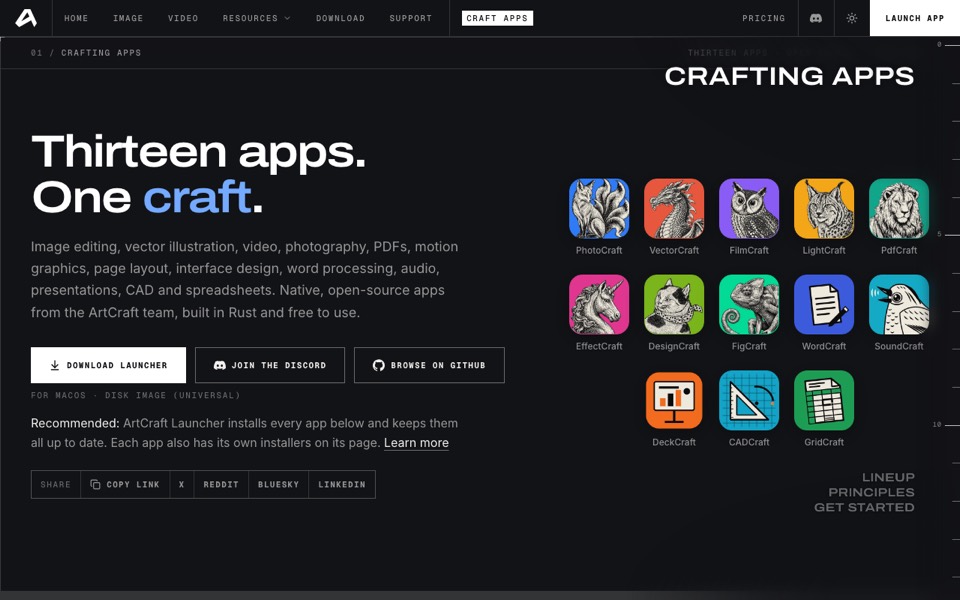
One installer for every Crafting App that picks the right build for your computer and keeps them all up to date. Each app also has standalone installers on its own page.
The source on GitHub
ArtCraft LauncherFree
One installer for every Crafting App that picks the right build for your computer and keeps them all up to date. Each app also has standalone installers on its own page.
The source on GitHub
-
 PhotoCraftFree
The one everyone is trying: layers, masks, adjustment layers, layer styles, type and brushes, with real PSD files.
PhotoCraftFree
The one everyone is trying: layers, masks, adjustment layers, layer styles, type and brushes, with real PSD files.
-
 FilmCraftFree
A Premiere-style editor with source and program monitors, a multitrack timeline and ripple, roll, slip and slide trims.
FilmCraftFree
A Premiere-style editor with source and program monitors, a multitrack timeline and ripple, roll, slip and slide trims.
-
 WordCraftFree
The start of the Microsoft side: Word, with GridCraft for Excel and DeckCraft for PowerPoint beside it.
WordCraftFree
The start of the Microsoft side: Word, with GridCraft for Excel and DeckCraft for PowerPoint beside it.
Try one safely
- Download from the source. Get the Launcher or a single app from getartcraft.com or the storytold releases on GitHub, not from a mirror site.
- Work on copies. Open a duplicate of a real PSD, video project or document and compare it with the original before you trust it.
- Keep your old app for now. These are early alphas; finish paid work in the tools you know and use the new ones alongside.
- Report what breaks. Issues on GitHub, with your system and a screenshot, are how the gaps close.